Buying Valorant Cheats: the 2026 Buyer Guide
Buying Valorant cheats: how the four catalog products differ, how the key reaches you and how to follow product status. What to know before you pay.
The first question to answer before buying Valorant cheats
The Divine catalog carries four separate Valorant cheat products, and in every one of them what you buy is defined the same way: a licence key, a loader that runs it, and the right to use it for the duration you picked. The key is reserved automatically the moment payment is confirmed, it lands in both your inbox and your account area, and your licence period starts when you first activate the key, not when it is delivered. The clock waits until you start it, so you decide when to use it.
The real question is not which product to buy but how many days you will use it. What separates the four is duration options, price band and scope, and the variable that drives total cost is duration far more than product. The right decision is not buying the most expensive option, it is knowing your usage period before you pay.
One point is worth knowing from the start alongside that: Riot's Vanguard runs at the kernel level and is updated regularly; on the Valorant side the real difference is how quickly products keep pace with those updates. Divine meets that with a live status page, packages refreshed after updates, and a support team. This guide describes that setup in one section below. First, what you are actually buying.
We covered the general buying logic in the game cheat buying guide. Here the focus is Valorant only.
What Vanguard is and why it differs from other anti-cheat systems
Riot Vanguard is a driver that operates at the Windows kernel level. What sets it apart is not only the level it runs at but when it runs: it starts with the system, long before the game opens, and Valorant will not launch if it is disabled. That means Vanguard observes a far wider time window than systems that only watch during a match.
The practical consequence for a buyer is this: on the Valorant side, assessment is not limited to in-game behaviour. The system also keeps records outside the game session. That is also why products in this category require separate engineering. We detailed the architectural difference between Vanguard and Valve's VAC in the Riot Vanguard vs VAC Live comparison.
What the four Valorant products in the catalog are for
All four share the same delivery and activation flow: the key is assigned to your account, you download the loader from your account area, and the period starts at activation. Where they diverge is duration options, price band and scope. The real flexibility this category offers sits exactly there: the range runs from a single-day trial to an unlimited licence, so when your habits change you usually swap the variant, not the product.
- Valorant VIP: four duration options, daily, weekly, monthly and unlimited. The lowest entry cost among the cheat packages, and its 450 TL daily variant lets you see the whole delivery and activation flow for the smallest amount. If it suits you, moving to the monthly (2,700 TL) or unlimited (5,000 TL) variant of the same product is one step.
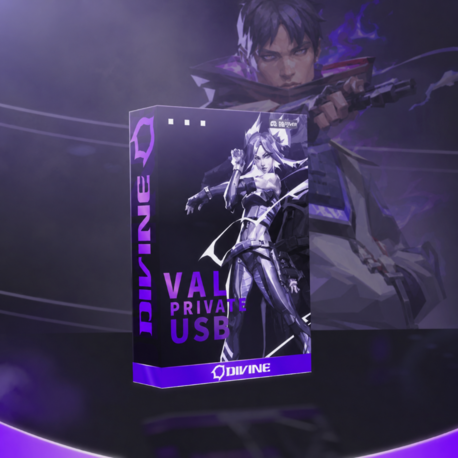
- Valorant USB: the widest range among the cheat packages, with five duration options from daily to unlimited. Most regular players find their balance here, because the monthly variant's per-day cost (187 TL) lands clearly below the daily one (750 TL) and the unlimited option sits in the same product family; when your habits change you do not have to change products. The difference is in the name: the software runs externally, from a USB stick you plug into your machine. We do not send you that stick; you use your own, and any stick you already have will do. So there is nothing to wait for in the post here either, and this product is delivered digitally too. For a buyer that translates into portability: using the same stick on a different machine becomes possible. Setup on this product also takes under a minute. We opened that up in the external and internal difference article.
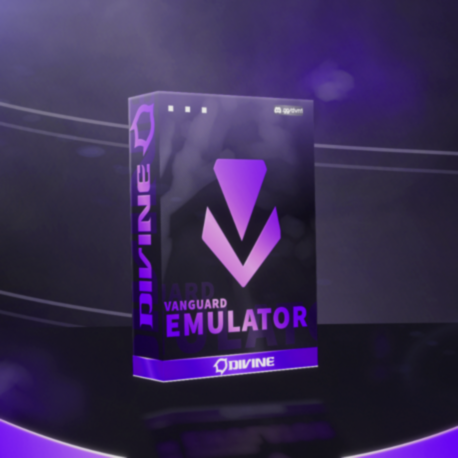
- Vanguard Emu + Internal: three options, weekly, monthly and unlimited. An emulator built against Riot's kernel-level Vanguard protection and a Valorant cheat come in one package. There is no daily variant; the duration set is built for medium and long-term use rather than a one-day trial.
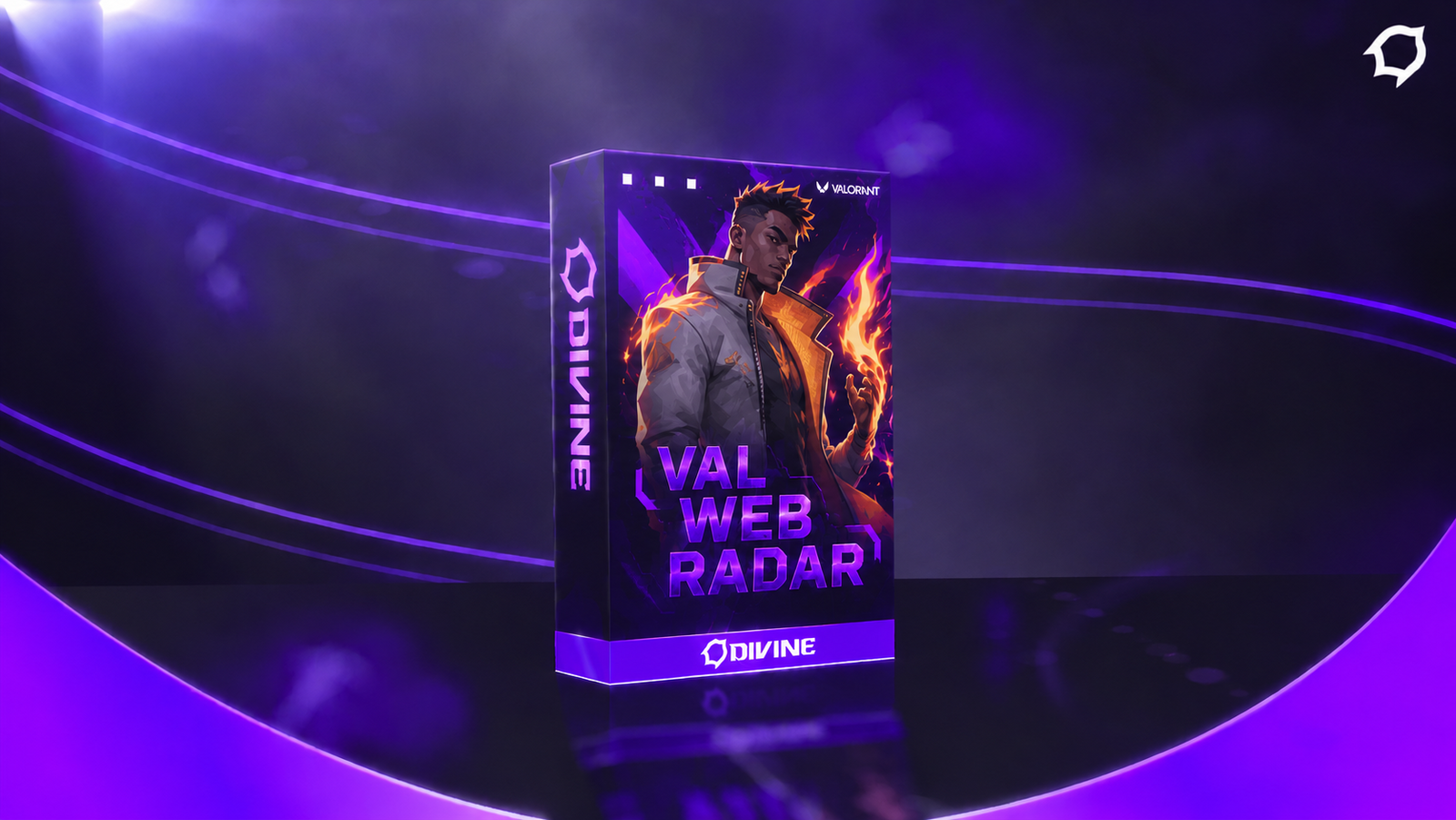
- Valorant Web Radar: not an in-game cheat but a separate radar you watch in a browser. It opens on a phone, tablet or second monitor, writes nothing to the game files, and you can share the same link with your duo. It has five duration options from daily to unlimited; the three-day variant is there for the buyer who wants a few evenings of use without committing to a full week.
To see all four side by side with current durations and prices, the Valorant category page lists them on one screen. We made the detailed product-by-product comparison in the Valorant cheat package comparison.
Duration matters more than product choice
The most common buyer mistake is spending hours comparing products and then picking the duration at the last second. Duration is the variable that actually drives total cost. A daily licence has the lowest ticket price but the highest cost per day; a monthly licence lowers the per-day cost noticeably; an unlimited licence pulls ahead if you genuinely intend long-term use, and it carries two extras: no expiry to track, plus lifetime support on unlimited licences.
There is a detail here that works in your favour: the licence period starts when you activate the key, not when it is delivered. That has two practical consequences. First, buying while a product is temporarily in the updating state and waiting costs you no days. Second, buying during a stretch when you will not use the key right away does not burn the period; the key sits in your account and you start it when you are ready. We opened up the cost comparison of duration models with numbers in the cheat pricing article, and the full delivery and activation flow is described in the licence key delivery article.
Four checks to run before you buy
- Check the product's current state. The live status page shows one of undetected, developing or updating for every product, and that label is more current information than any marketing copy.
- Decide the duration in advance. A choice made without knowing how many days you will play almost always ends in overpaying.
- Read the setup flow once. It is short on every product and takes under a minute on average: download the loader from the order record in your account area, enter your key into the loader, finish activation. On Valorant USB you also plug in your own USB stick; since the stick is yours, that adds no waiting either. Always download the loader from your own account area only; a file taken from a third-party source is not tied to your order.
- Learn how staying current works. The next section explains in one place how the status page, updates and the support team work together; read it and decide accordingly.
How to stay current: the status page and updates
What makes the difference on Valorant is how quickly a product adapts to Vanguard updates. At Divine every product's live state is visible on the status page, packages are refreshed after game updates, and the support team is with you at every step.
The undetected label is a live timestamp: it shows the product's state at that moment and is kept current. Riot ships updates regularly; after one, the affected product moves to the updating label on the status page, the package is refreshed, and the label changes again once it is ready to use. That way you always see the product's state yourself before buying or activating, and because your licence period starts at activation, that wait costs you no days.
Your play style is part of that setup too. Your in-game statistics and how often you get reported form an assessment channel separate from the software's technical features; a natural-looking play style using the settings in the legit config guide lets you use the product's edge without drawing attention. Because your skins, agents and balance are tied to your account, those settings are especially valuable if you play on your main account. If you ever face a hardware ban, Kalıcı Spoofer lets you keep playing on the same PC with a new account.
The promises made on the Divine side are concrete: the status page reflects the real state and a product's label changes after an update; once payment is confirmed the key is reserved automatically and delivered through two channels at once; if no key is in stock your order is not cancelled but completed manually; your period starts at activation; on unlimited packages you get lifetime support for as long as the product remains in service. Wherever you get stuck, the support team takes your order number and routes you straight to a resolution.
How payment, delivery and activation work
Payment is taken through Shopier. The moment the confirmation reaches our system the order moves to paid and a suitable licence key in stock is reserved for it automatically. That step is not manual, it is triggered by the payment confirmation, and on most orders it completes within minutes. The moment the provider's confirmation arrives, the system takes over; there is nothing else you need to do.
The key is not sent through a single channel: it goes to your email address and is written to the order history in your account area at the same time. That is deliberate. Even if your email lands in spam, your address was mistyped or your provider is slow, the key stays permanently in your account; a lost email does not mean a lost purchase. If you bought more than one product, each order carries its own key separately with no mix-up, and buying the same product again does not overwrite the old key, which stays in your account as a past record.
If no key remains in stock the order is not cancelled and your money is not left in limbo: the order moves to the awaiting-stock state, your account shows that payment was received and the key is being prepared, and once stock arrives an administrator completes the order manually and delivers the key through the same two channels.
Delaying activation after delivery costs you nothing, because the period starts at activation. Where to find your key and how to activate it is described step by step in the licence key delivery and activation article.
The three mistakes buyers make most often
The first is buying without checking the status page. Product descriptions are static, the status label is real time; when the two disagree, the label is the accurate one. That single check prevents most of the disappointment that follows a purchase.
The second is choosing the duration at the last moment. A buyer who decides without knowing how many days they will play either pays for days they never use or has to buy a second time shortly afterwards. A five-minute calculation usually saves more than the hours spent comparing products.
The third is working with a seller of unknown origin. Sellers with no live status page, who do not refresh their products after game updates and offer no reachable support team, sell on big slogans alone; when you assess a seller, what matters is not the slogan but current status information, regular updates and support you can reach with your order number.
Decision order: a summary
On the Valorant side the sensible sequence is: check the status page first, then decide how many days you will use it, then move to the product that offers that duration.
If this is your first purchase, the daily variant of Valorant VIP lets you see the entire flow end to end at the smallest commitment. If you play regularly, the monthly variant of Valorant USB (5,600 TL, 187 TL per day) is a balanced middle band. If you are thinking long term, all four products have an unlimited variant: Valorant VIP at 5,000 TL, Valorant Web Radar at 7,900 TL, Vanguard Emu + Internal at 11,000 TL and Valorant USB at 16,000 TL.
Current durations and prices for all four are listed on one screen; you can make the call there.